Use this menu option to designate a name to display on certified Compliance Letters. For example, consider a Compliance Letter for job 00123 that begins with,
I, ________________, do hereby state
In this case, the name and title set up during this procedure will be automatically entered in the Compliance Letters blank space for each payroll job number 00123.
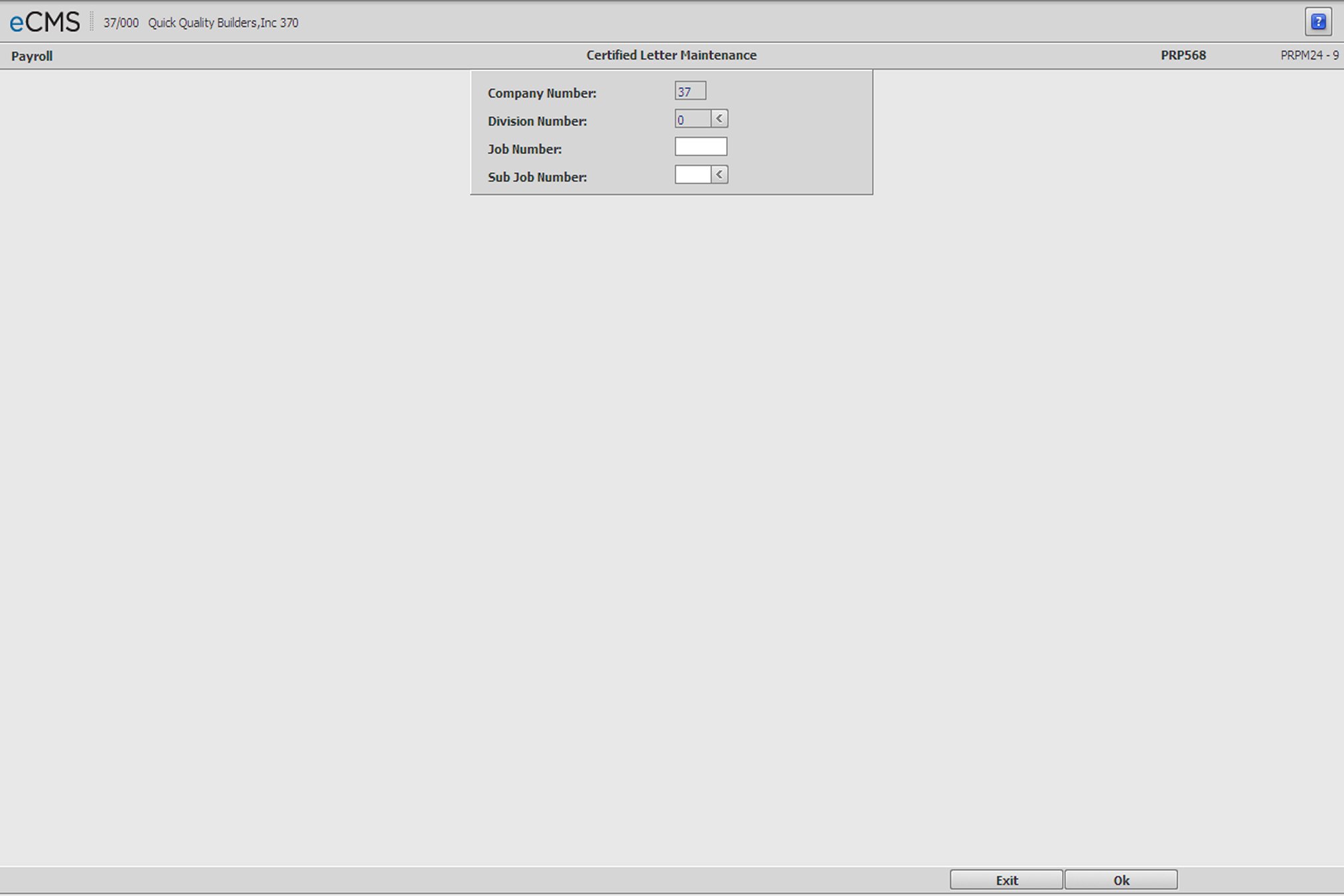
Certified Letter Selection screen
Company/Division Number
Identify the Company/Division that will use this Compliance Letter record, by accepting the Company/Division used at login or clicking the Division Number prompt to make new selections from a list.
Job/Sub Job Number
To make this Compliance Letter record specific to a certain Job/Sub Job, enter those numbers or click the Sub Job prompt to make the selections from a list.
 |
Click to save changes and return to the Certified Letter Detail screen. |
 |
Click to return to the Main Menu without saving changes. |
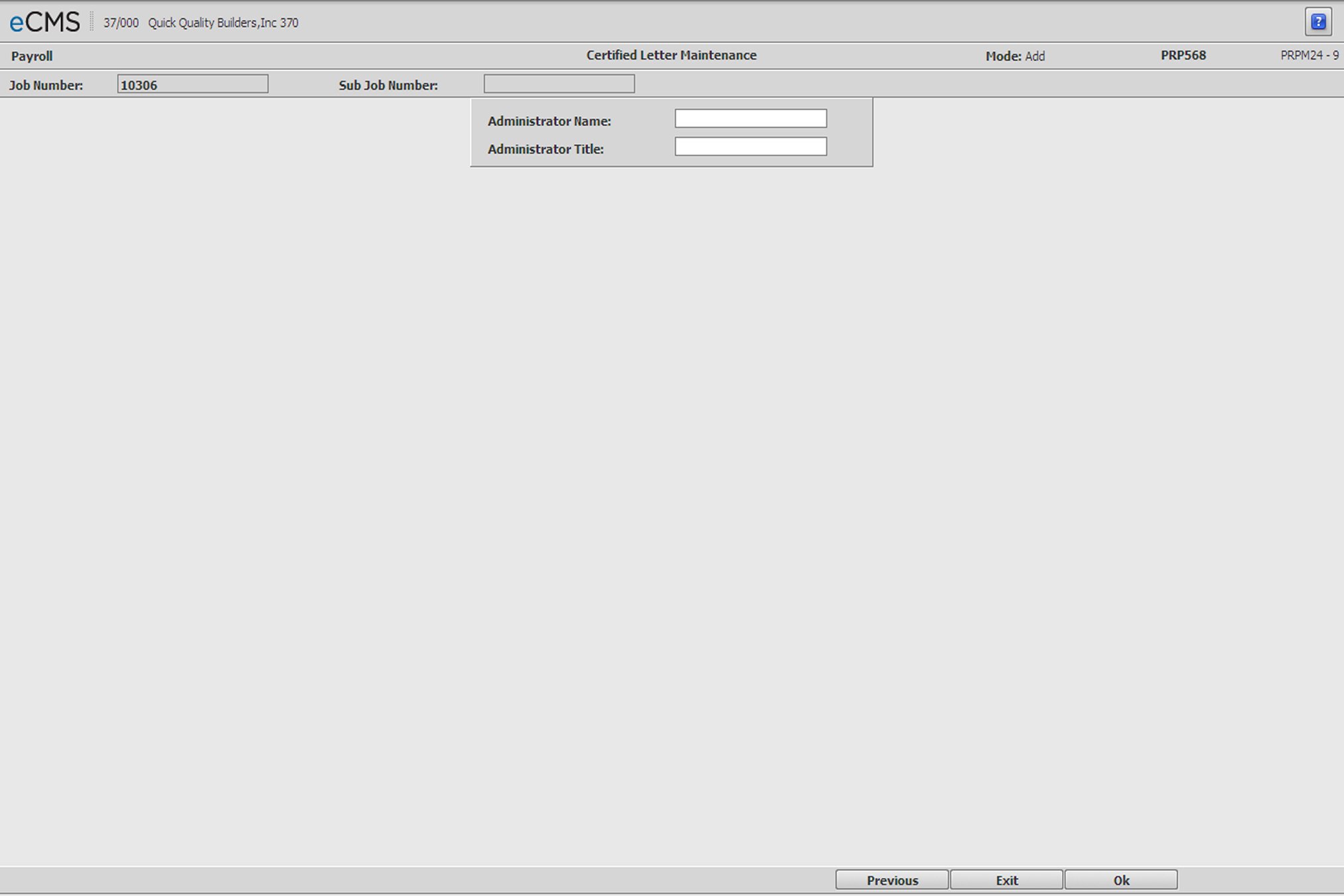
Certified Letter Detail screen
Administrator Name/Title
Enter the person’s name and title that you want to display on the Compliance letters.
|
Click to save changes and return to the Certified Letter Selection screen. |
|
Click to return to the Main Menu without saving changes. |
 |
Click to return to the Certified Letter Selection screen without saving changes. |