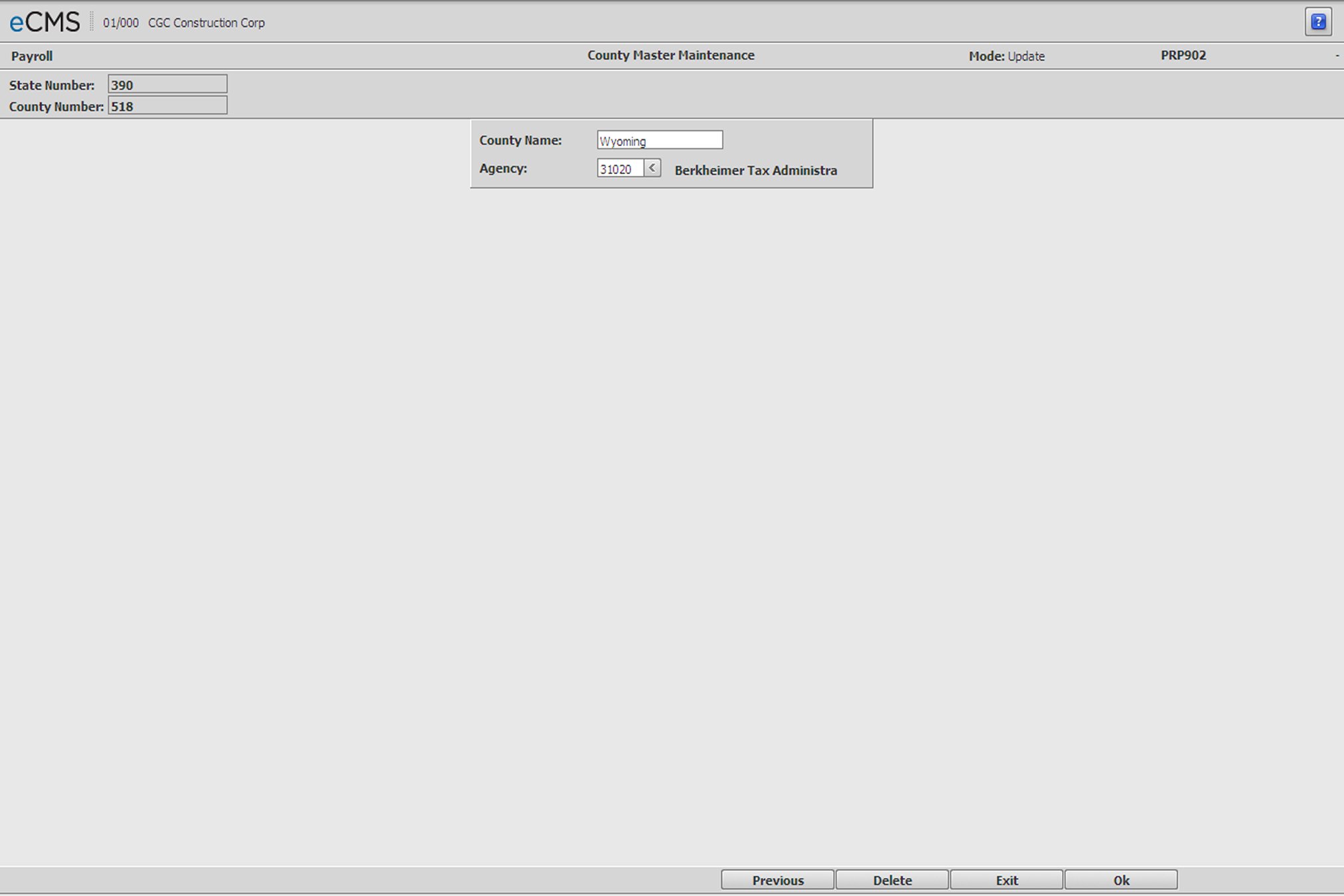
The County Master is used to set up counties and provide the county code validation that will be used for PA Act 32 required data entries.
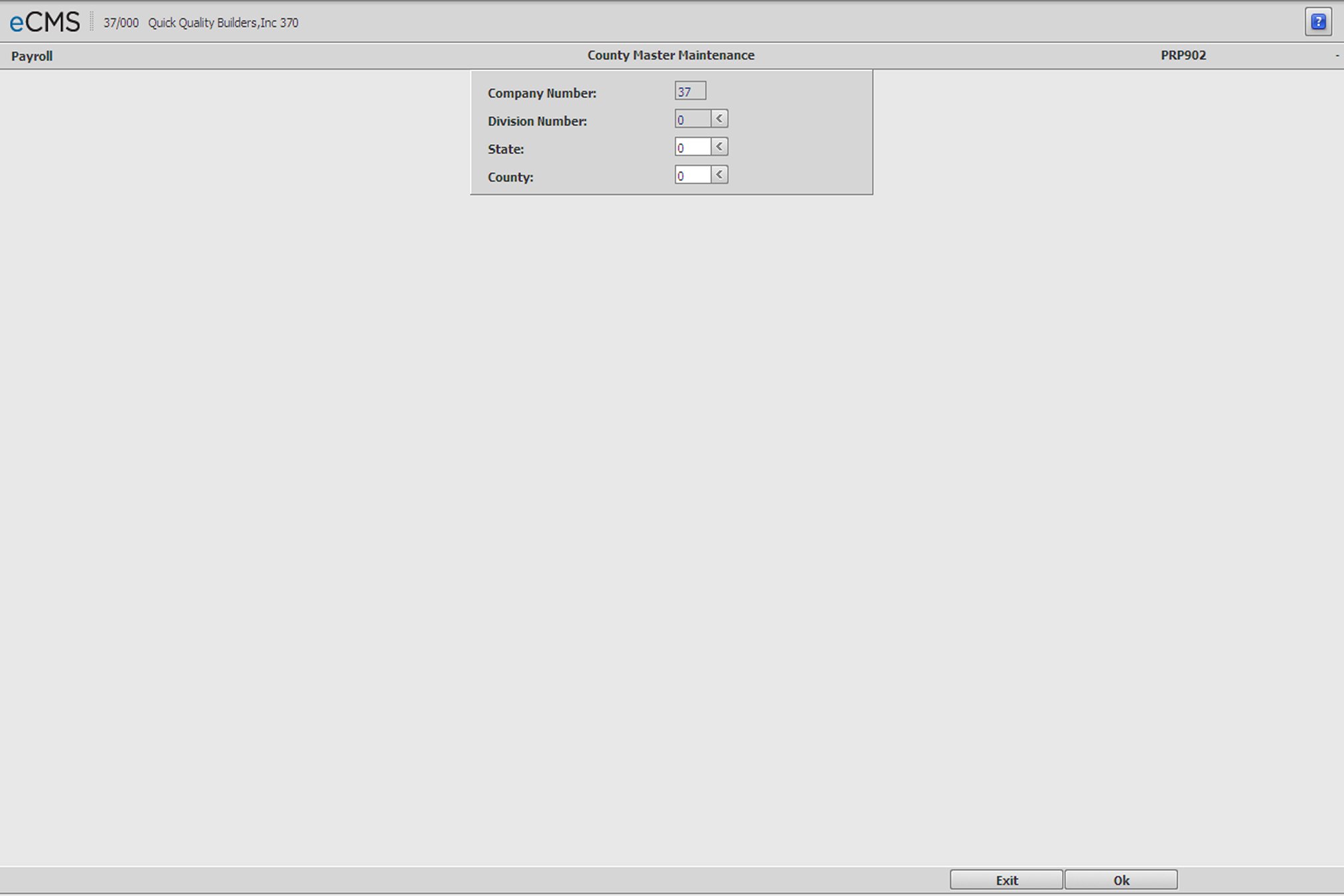
County Master Selection screen
Company/Division Number
Accept the Company/Division used at login, or click the Division Number prompt to make new selections.
State Code
Must be entered before other fields. Validated against the State Master.
County Code
Enter a County Code, or click the prompt to select from a current list. County Codes are state-specific.
 |
Click to process these entries and access the County Master Detail screen. |
 |
Click to return to the Main Menu without processing entries. |
County Name
Enter a County Name to be associated with this County Number
Agency
This Agency is the local to which you submit local taxes. It must be set up as a "vendor" in the Vendor Master.
|
Click to process these entries and return to the County Master Selection screen. |
|
Click to return to the Main Menu without processing entries. |
 |
Click to delete this County Master record. |
 |
Click to return to the County Master Selection screen without processing entries. |