This menu option is used to add, update, or delete the standard Termination Codes that will be used in the Employee Master to indicate the reason for an employee's termination.
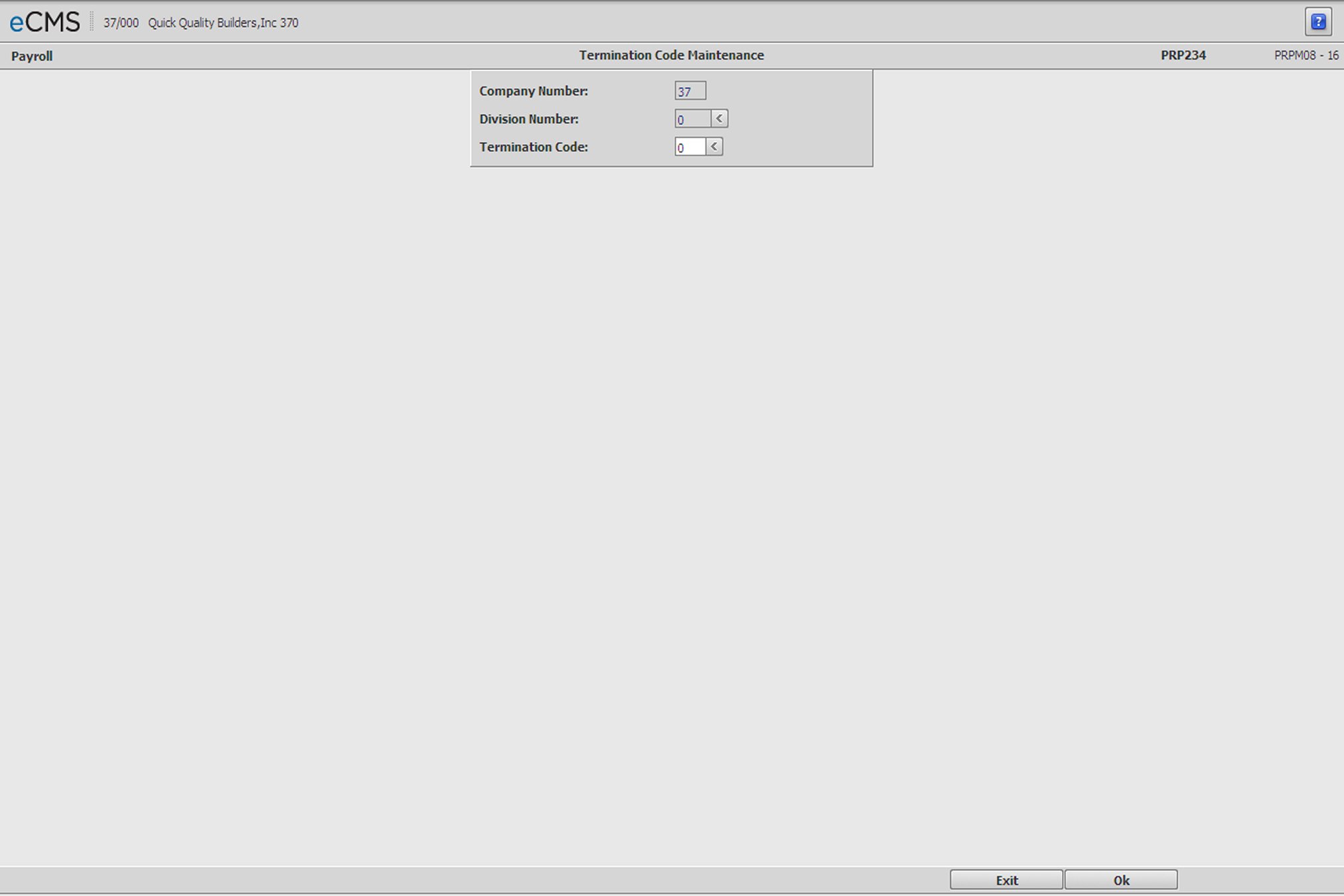
Termination Code Selection screen
Company/Division Number
Click the Division Number prompt to select the Company/Division that currently uses, or will use, this Termination Code.
Termination Code
Enter a code to create, or update, or click the prompt to select from a list. Termination codes must be numeric and no longer than two digits. The codes, 0 and 00, are not valid.
 |
Click to display the Termination Code Detail screen. |
 |
Click to return to the Main Menu without saving changes. |
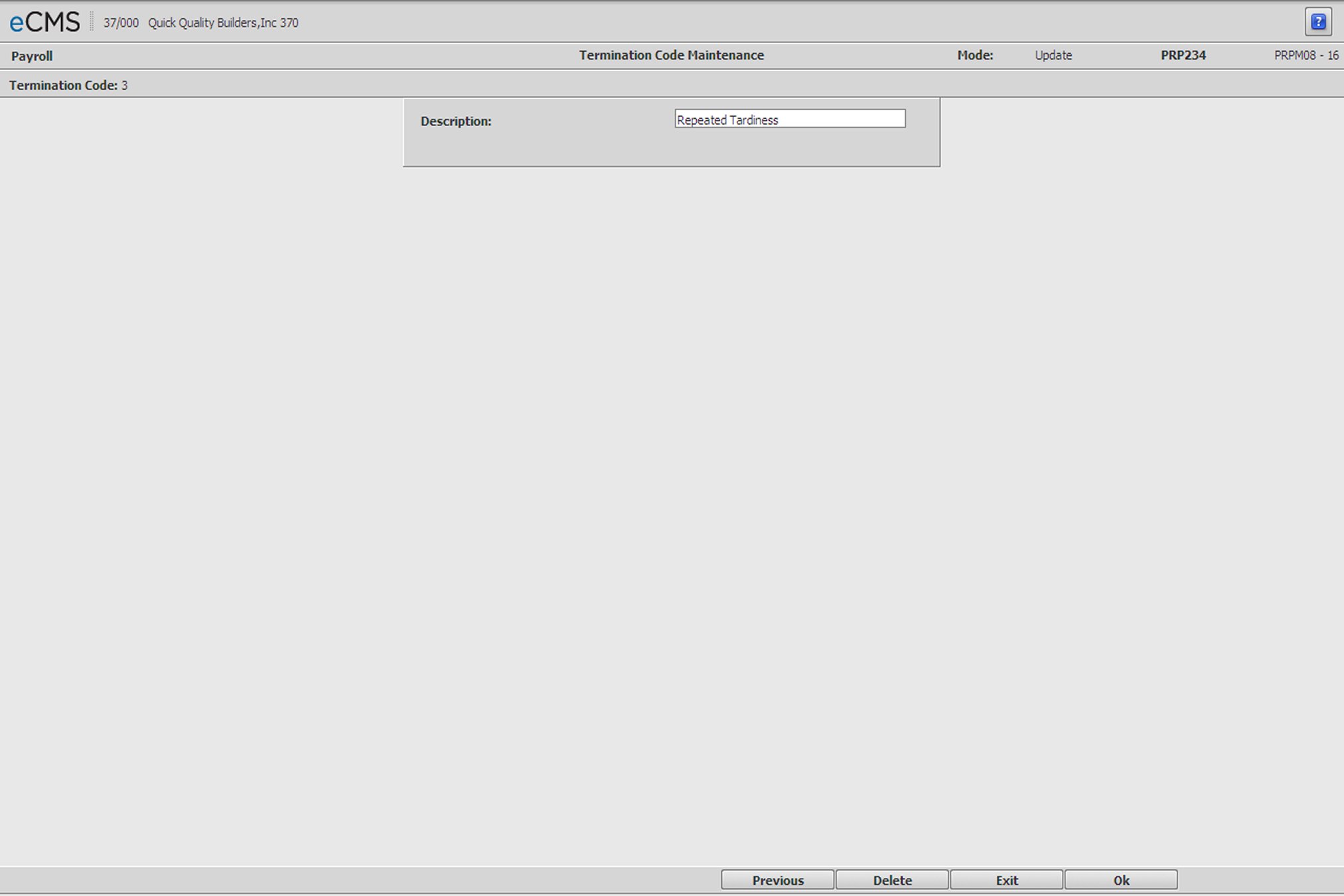
Termination Code Description screen
Description
Enter a Description for the termination code. This Description will print on the Termination Code File Listing.
Some commonly used codes are:
Code |
Description |
01 |
Lack of work |
02 |
Permanent Layoff |
03 |
Temporary Layoff |
04 |
Job Relocation |
05 |
Use or possession of banned substances |
|
Click to process these entries and display the Termination Code Selection screen. |
|
Click to return to the Main Menu without saving changes. |
 |
Click to delete the current record. |
 |
Click to return to the Termination Code Selection screen without saving changes. |