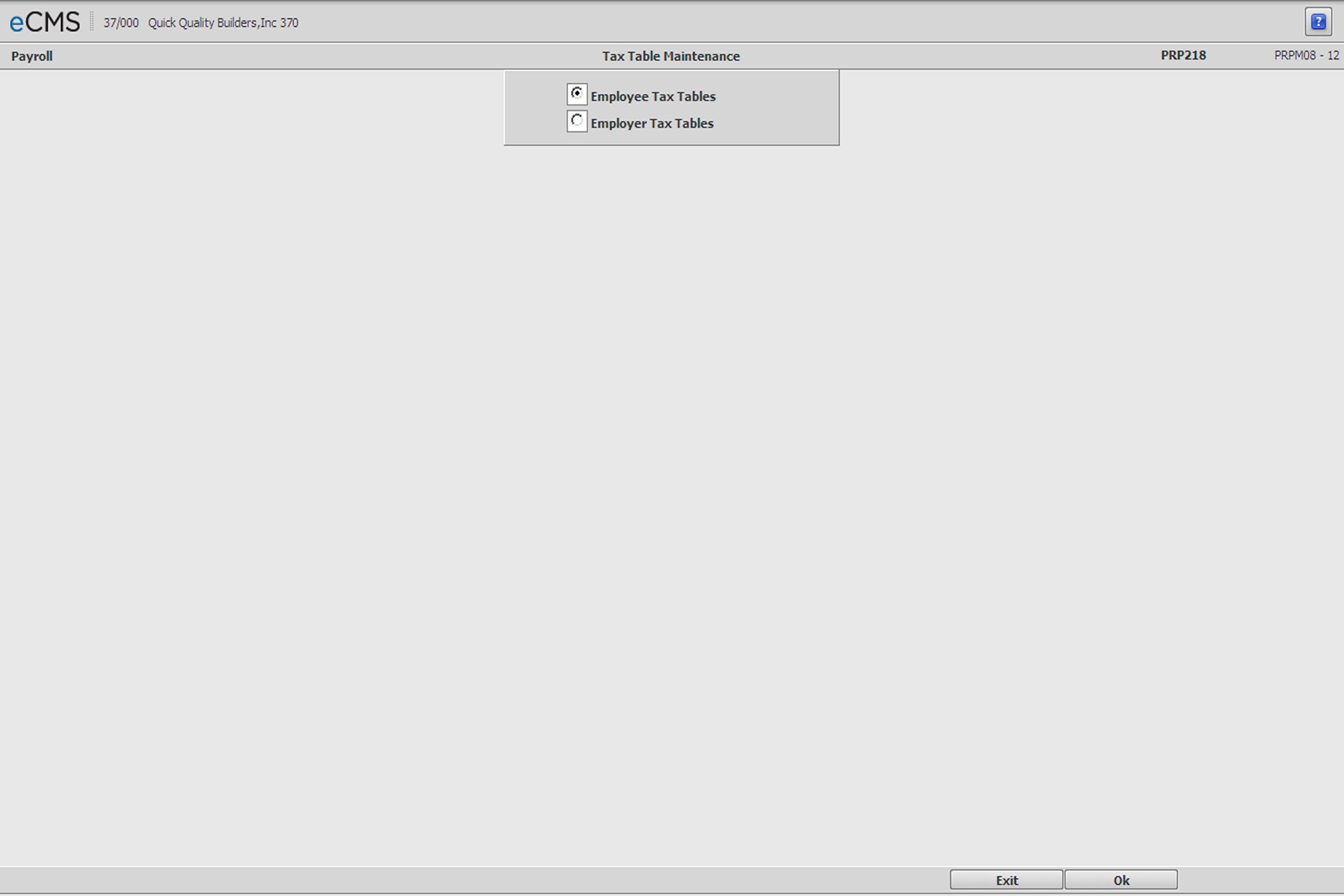
This option is used to update, add or delete Federal, State and Local Tax tables.
Select either Employee Tax Tables or Employer Tax Tables and then click OK.
A tax table must be entered for each:
Taxing Authority (Federal, State, or Local)
Pay Frequency (Weekly, Monthly, etc.)
Marital Status (Married, Single)
State participating in the FUTA Tax Credit Reduction
Any other type of table specified by the State or Local entity
The Payroll defaults for Social Security and Medicare FICA limits and percentages can be updated with Annual Tax Table entries by selecting the table’s Update Payroll System Control option.
Employee / Employer Tax Table Selection screen
 |
Click to display either the Employee Tax Table Selection screen, or the Employer Tax Table Selection screen. |
 |
Click to return to the Main Menu without saving changes. |