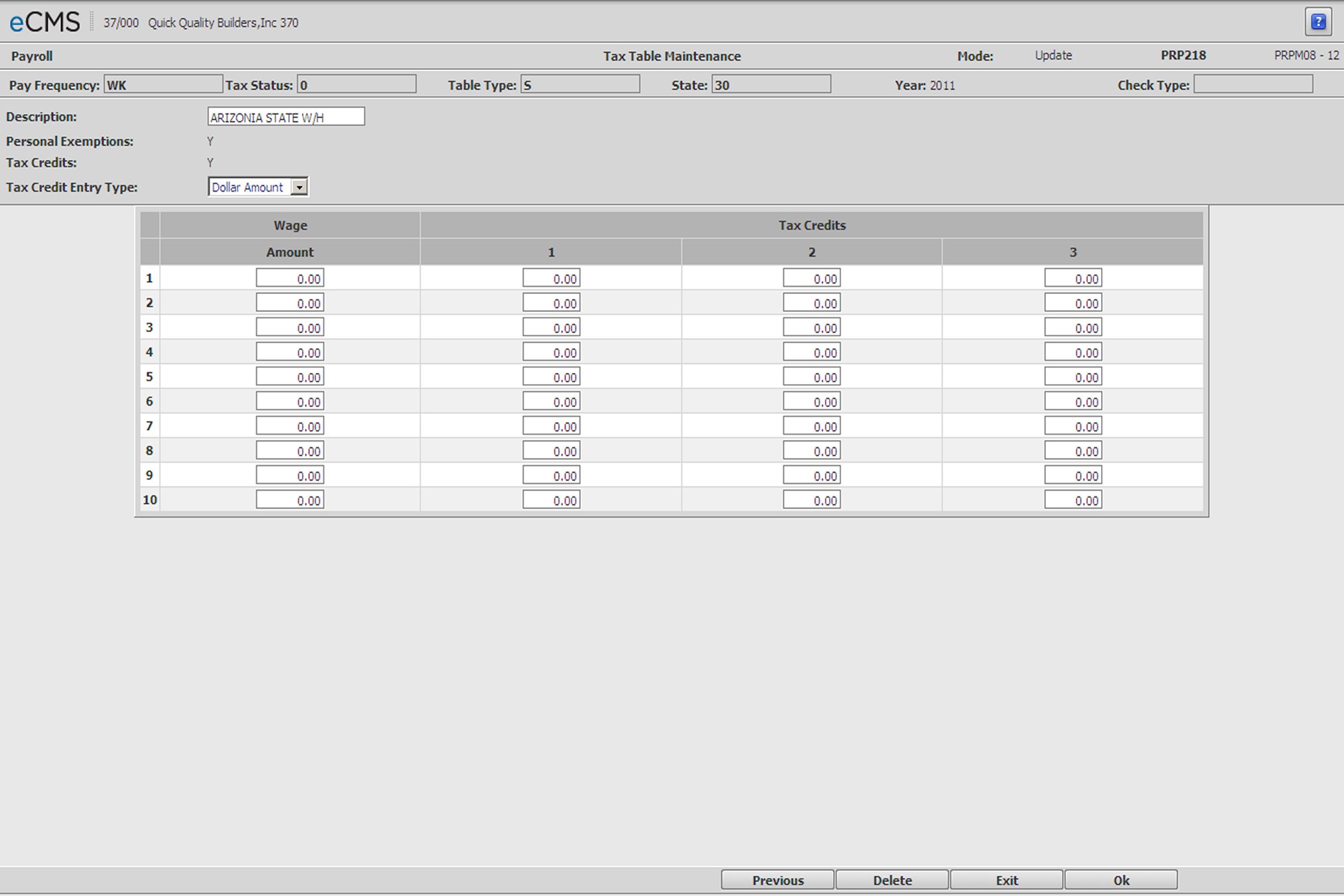
Employee Tax Table - Tax Credits
Employee Tax Table Detail - Tax Credits screen
Tax Credit Entry Types
Displays only when the Tax Credits option was selected on the Employee Tax Table Detail - Amount and Percentage screen.
Dollar Amount |
Current method. Enter the amount in the table. |
Percent Factor |
After a wage limit has been entered, a percent can be figured to calculate the tax credit. |
Utah State Tax Method |
This method is used for Utah state compliance only. |
Percent of Exemptions |
This method is used for Louisiana state tax calculations and bases Tax Credits on a percent of exemptions. |
 |
Click to process these entries and display a second Employee Tax Table Tax Credits Detail screen on which to enter additional information applicable to the tax table being maintained. When finished, click OK once more to display the Employee Tax Table - Optional Values screen. |
 |
Click to return to the Main Menu without saving changes. |
 |
Click to delete the current record. |
 |
Click to return to the Employee Tax Table Detail - Personal Exemptions screen without saving changes. |